Google Apps Script · 10 min read
Apps Script vs AppSheet: Which One Actually Fits Your Use Case?
Honest Apps Script vs AppSheet comparison: offline mobile, custom API glue, cost, and when hiring an Apps Script developer beats no-code.
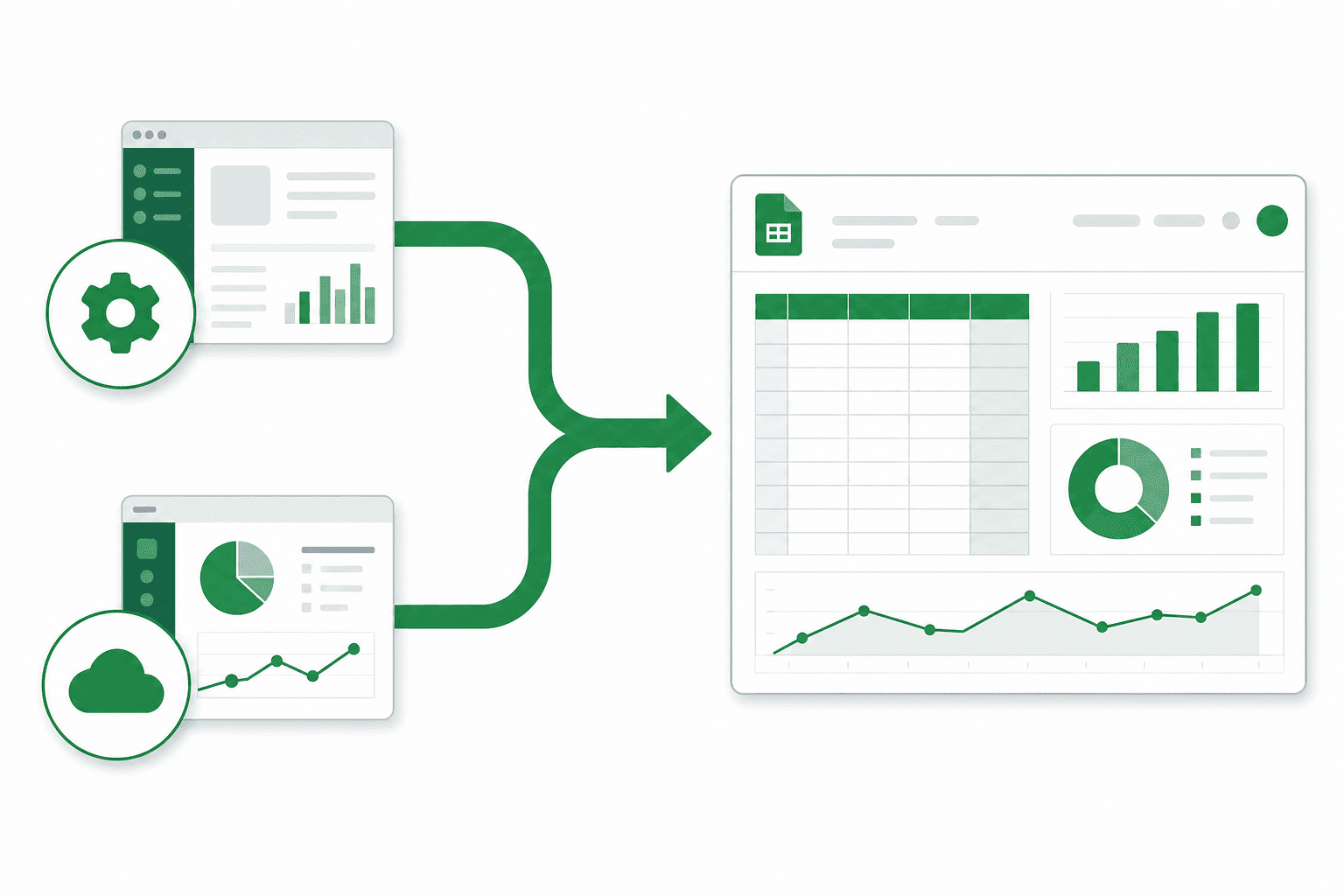
Project deliverable: Apps Script vs Appsheet automated inside Google Workspace
Hire Apps Script developer →AppSheet wins when non-coders need mobile forms with offline sync. Apps Script wins when you need custom API glue, Gmail/Drive automation, or logic that outgrows AppSheet expressions. Pick based on who maintains it—not which logo looks newer.
Apps Script vs Appsheet is a common request from ops teams drowning in manual work. Apps Script automates this inside Google Workspace, with no new SaaS subscriptions, and you own the code.
Need this built? Hire a Google Apps Script developer →
Before vs. after automation
| Before automation | After Apps Script |
|---|---|
| 45+ min/day manual exports | Sync runs every 30–60 min automatically |
| Typos in copy-pasted data | Single source of truth in Sheets |
| Missed alerts until too late | Gmail/Slack alerts on threshold breach |
| $200+/mo on connector tools | $0 recurring platform fees |
| Tribal knowledge in one person's inbox | Documented runbook + shared Sheet |
Watch out for this
Gotcha: “We’ll start in AppSheet and migrate later” often means a full rewrite. If your core need is UrlFetch + Sheets as system of record, start in Apps Script.
Overview
This pattern uses SpreadsheetApp, triggers, and often UrlFetchApp to compare automation options.
Production scripts include error logging, quota-safe batching, and a Status sheet so ops can see last run time and failures.
Implementation approach
Discovery call to map inputs, outputs, and edge cases.
Build in your Google account with a test sheet before switching to production data.
Document triggers, permissions, and recovery steps at handoff.
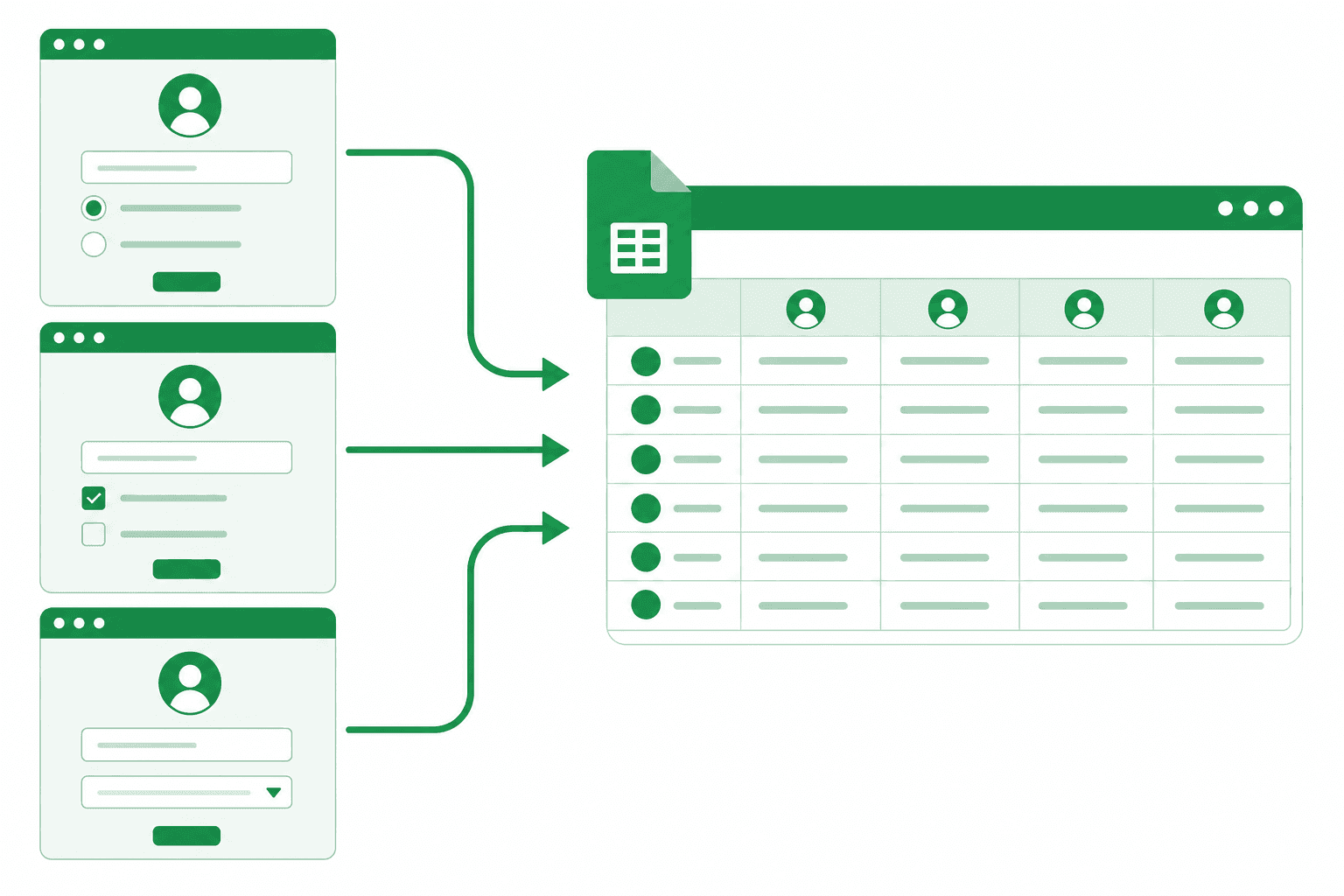
Status sheet + alerts: how ops knows the automation is healthy
Free automation checklist →Who this guide is for
This page is for operations and IT leads who already use Google Sheets or Gmail daily and need Apps Script vs Appsheet to work without copy-paste.
You do not need to be a developer to read this. Technical sections are labeled so you can forward them to whoever builds—or book a discovery call and I'll scope it for you.
- Ops managers tired of daily CSV rituals
- Finance leads who need auditable, formula-driven reporting
- Founders avoiding $15k/year CRM seat fees
- IT admins who need domain-controlled permissions
Cost, ROI, and when DIY makes sense
Apps Script itself is free inside Google Workspace. Your costs are build time (yours or a consultant's) and any third-party API fees. Compare that to Zapier at hundreds per month forever, or Salesforce seats at $25–$150 per user.
Rule of thumb: if the workflow runs more than 50 times per month, touches custom business rules, or must live in Sheets for compliance, Apps Script wins on total cost of ownership within 6–12 months.
DIY works when you have a technical team member with 20+ hours to spare and tolerance for debugging quotas and OAuth. Hire when the workflow is revenue-critical, deadline-bound, or needs production error handling on day one.
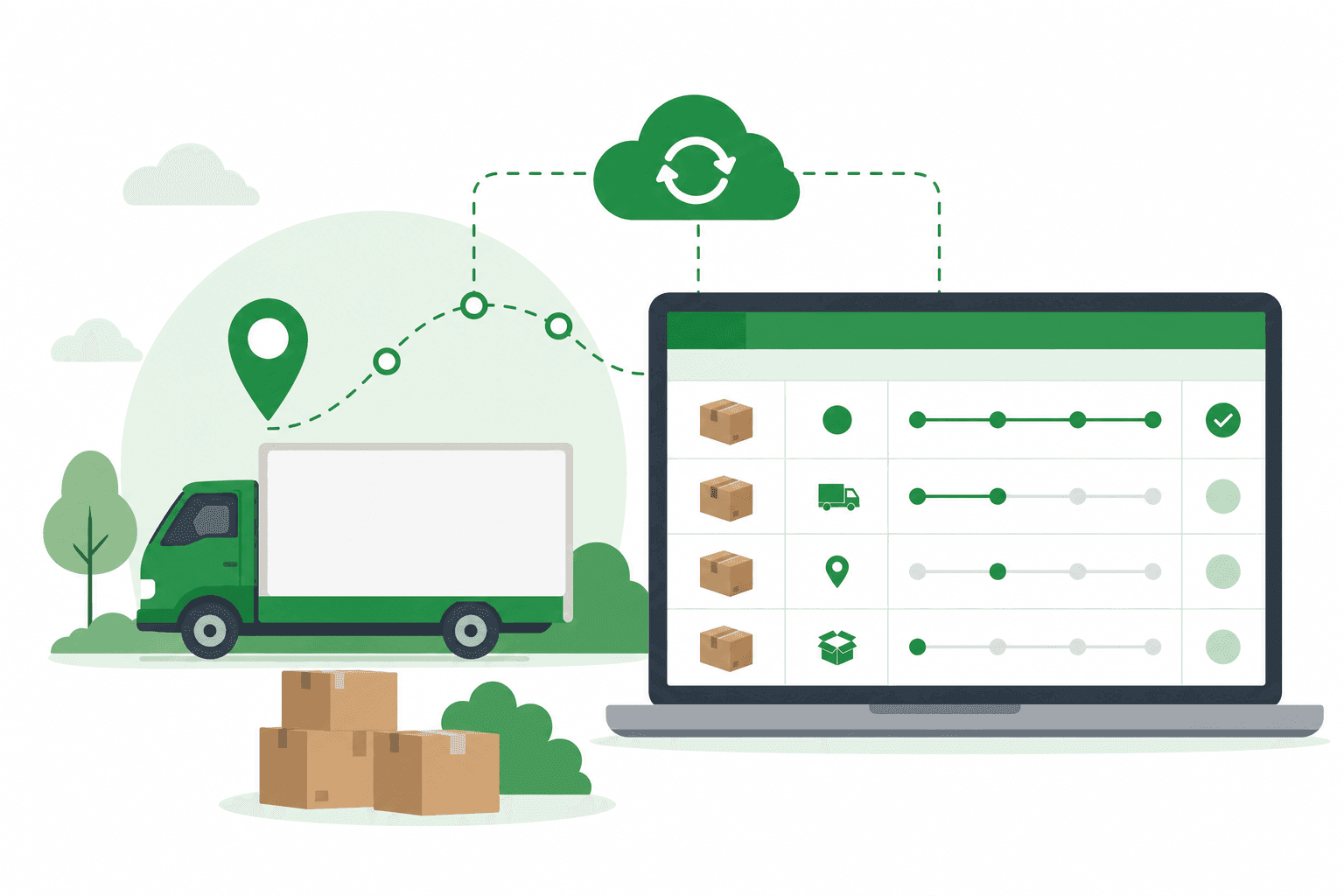
Typical ROI: 10–20 hrs/week reclaimed · $0 recurring automation tax
Get a fixed-price quote →Production architecture (what actually ships)
Every production script I deliver follows the same skeleton: Config sheet for mappings, Data sheet(s) for humans, Status sheet for machines, Script Properties for secrets, and LockService when concurrent runs are possible.
Triggers are installable—not simple onEdit—whenever external APIs are involved. Simple triggers cannot call UrlFetchApp. Time-driven triggers batch work; webhooks via doPost handle real-time events when the platform supports them.
Error handling is not optional. Failed rows land in a Dead Letter tab with timestamp and raw payload. Managers get one digest email per day, not fifty alerts per failure.
Want this architecture built for you?
Free 30-min discovery call · Fixed-price quote within 24 hours · You own the code
Book discovery callBuild it yourself vs. hire a consultant
Google's documentation is solid for hello-world scripts. Production is different: idempotent upserts, rate-limit backoff, timezone-safe date parsing, and permission models that survive employee turnover.
I quote fixed-scope projects after discovery—most start at $500. Most projects go live in 1–3 weeks. You own the code, the triggers, and the documentation—no vendor lock-in.
If you've already tried and hit trigger not firing, execution timeout, or quota errors, see our troubleshooting guides linked below. Those issues are architectural, not mysteries.
Not sure if DIY is worth it?
Take the free automation audit—get a prioritized list of what to automate first.
Take the free auditSecurity, permissions, and data residency
Scripts run as the user who authorized them (or as domain-wide service accounts for advanced setups). Apply least-privilege OAuth scopes—request only what the workflow needs.
Secrets belong in Script Properties or Google Cloud Secret Manager, never in cells or comments. For web apps, use domain lock so only your organization can execute doGet.
Data stays in your Google account. For regulated industries, Sheets access controls plus audit logging in the Status sheet often satisfy internal compliance without a new vendor risk assessment.
Step-by-step implementation walkthrough
Phase 1 — Discovery (30 min, free): map inputs, outputs, edge cases, and who approves go-live. Phase 2 — Schema: design Sheet tabs and API field mapping before writing code.
Phase 3 — Sandbox build: run against test data with artificial delays and forced failures to verify alerts. Phase 4 — Production cutover: parallel run for one week if possible, then disable manual process.
Phase 5 — Handoff: recorded walkthrough, runbook doc, and optional retainer for API changes. Most clients schedule a 30-day check-in to tune batch sizes after seeing real volume.
Common mistakes (and how to avoid them)
Mistake #1: storing API keys in column A. Rotate keys without redeploying by using Script Properties. Mistake #2: polling every minute until UrlFetch quota dies. Poll hourly with webhooks for urgent events.
Mistake #3: no Status sheet—when something breaks, nobody knows until month-end close. Mistake #4: building in a personal Gmail account then migrating to Workspace (quotas differ—test on production account type).
Mistake #5: skipping LockService on edit triggers. Two simultaneous edits can duplicate external API calls and create duplicate CRM records.
When Apps Script wins
You live in Google Workspace and want zero per-task automation fees.
Logic is custom: branching, approvals, or field rules no-code tools can't express.
You want to own the code and avoid vendor lock-in.
Who this guide is for
This page is for operations and IT leads who already use Google Sheets or Gmail daily and need Apps Script vs Appsheet to work without copy-paste.
You do not need to be a developer to read this. Technical sections are labeled so you can forward them to whoever builds—or book a discovery call and I'll scope it for you.
- Ops managers tired of daily CSV rituals
- Finance leads who need auditable, formula-driven reporting
- Founders avoiding $15k/year CRM seat fees
- IT admins who need domain-controlled permissions
Cost, ROI, and when DIY makes sense
Apps Script itself is free inside Google Workspace. Your costs are build time (yours or a consultant's) and any third-party API fees. Compare that to Zapier at hundreds per month forever, or Salesforce seats at $25–$150 per user.
Rule of thumb: if the workflow runs more than 50 times per month, touches custom business rules, or must live in Sheets for compliance, Apps Script wins on total cost of ownership within 6–12 months.
DIY works when you have a technical team member with 20+ hours to spare and tolerance for debugging quotas and OAuth. Hire when the workflow is revenue-critical, deadline-bound, or needs production error handling on day one.
Typical ROI: 10–20 hrs/week reclaimed · $0 recurring automation tax
Get a fixed-price quote →Production architecture (what actually ships)
Every production script I deliver follows the same skeleton: Config sheet for mappings, Data sheet(s) for humans, Status sheet for machines, Script Properties for secrets, and LockService when concurrent runs are possible.
Triggers are installable—not simple onEdit—whenever external APIs are involved. Simple triggers cannot call UrlFetchApp. Time-driven triggers batch work; webhooks via doPost handle real-time events when the platform supports them.
Error handling is not optional. Failed rows land in a Dead Letter tab with timestamp and raw payload. Managers get one digest email per day, not fifty alerts per failure.
Want this architecture built for you?
Free 30-min discovery call · Fixed-price quote within 24 hours · You own the code
Book discovery callBuild it yourself vs. hire a consultant
Google's documentation is solid for hello-world scripts. Production is different: idempotent upserts, rate-limit backoff, timezone-safe date parsing, and permission models that survive employee turnover.
I quote fixed-scope projects after discovery—most start at $500. Most projects go live in 1–3 weeks. You own the code, the triggers, and the documentation—no vendor lock-in.
If you've already tried and hit trigger not firing, execution timeout, or quota errors, see our troubleshooting guides linked below. Those issues are architectural, not mysteries.
Not sure if DIY is worth it?
Take the free automation audit—get a prioritized list of what to automate first.
Take the free auditSecurity, permissions, and data residency
Scripts run as the user who authorized them (or as domain-wide service accounts for advanced setups). Apply least-privilege OAuth scopes—request only what the workflow needs.
Secrets belong in Script Properties or Google Cloud Secret Manager, never in cells or comments. For web apps, use domain lock so only your organization can execute doGet.
Data stays in your Google account. For regulated industries, Sheets access controls plus audit logging in the Status sheet often satisfy internal compliance without a new vendor risk assessment.
Step-by-step implementation walkthrough
Phase 1 — Discovery (30 min, free): map inputs, outputs, edge cases, and who approves go-live. Phase 2 — Schema: design Sheet tabs and API field mapping before writing code.
Phase 3 — Sandbox build: run against test data with artificial delays and forced failures to verify alerts. Phase 4 — Production cutover: parallel run for one week if possible, then disable manual process.
Phase 5 — Handoff: recorded walkthrough, runbook doc, and optional retainer for API changes. Most clients schedule a 30-day check-in to tune batch sizes after seeing real volume.
Common mistakes (and how to avoid them)
Mistake #1: storing API keys in column A. Rotate keys without redeploying by using Script Properties. Mistake #2: polling every minute until UrlFetch quota dies. Poll hourly with webhooks for urgent events.
Mistake #3: no Status sheet—when something breaks, nobody knows until month-end close. Mistake #4: building in a personal Gmail account then migrating to Workspace (quotas differ—test on production account type).
Mistake #5: skipping LockService on edit triggers. Two simultaneous edits can duplicate external API calls and create duplicate CRM records.
Apps Script vs. alternatives
Neutral comparison for Google Workspace teams
| Approach | Monthly cost | Ownership | Best for |
|---|---|---|---|
| Google Apps Script | $0 platform + build | You own code | Workspace-native teams |
| Zapier | $20–600+/mo | Vendor logic | Quick no-code wins |
| Make (Integromat) | $9–299+/mo | Vendor scenarios | Visual multi-app flows |
| Hire consultant (fixed-scope quote) | One-time build | You own code | Custom logic & compliance |
Apps Script side — simple Sheets CRUD API
Copy-paste into the Apps Script editor. Adjust sheet names and secrets for your project.
function doGet(e) {
  var id = e.parameter.id;
  var data = SpreadsheetApp.getActive().getSheetByName('Items').getDataRange().getValues();
  var row = data.find(function (r) { return String(r[0]) === String(id); });
  return ContentService.createTextOutput(JSON.stringify(row || null))
    .setMimeType(ContentService.MimeType.JSON);
}
Need this wired to your APIs? Hire a Google Apps Script developer or grab snippets from the free script library.
Pre-build checklist: Apps Script vs Appsheet
- 1List every data source (Sheets tabs, API endpoints, Gmail labels) and who owns each
- 2Define success metrics: hours saved per week, error rate, sync latency target
- 3Identify edge cases: refunds, cancelled orders, duplicate emails, timezone boundaries
- 4Confirm Google account type (consumer vs Workspace) for quota planning
- 5Document who receives failure alerts and expected response time
- 6Agree on a test window with sanitized sample data before production cutover
- 7Schedule 30-min handoff walkthrough for ops and backup contact
Real project outcome
Shopify → Sheets ops hub
A mid-size retailer replaced 45 min/day of CSV exports with live sync, dashboards, and low-stock Gmail alerts. Ops stopped manual data entry; stockouts dropped sharply.
45 min/day → ~0 manual export time
Read full case study →How I build this for clients
- 01
Discovery
Map data sources, triggers, and success metrics in a 30-min call.
- 02
Architecture
Design Sheets schema, API auth, error logging, and quota-safe batching.
- 03
Build & test
Develop in your sandbox with edge-case testing on real data samples.
- 04
Deploy
Install triggers, set permissions, document the runbook, train your team.
Pricing & timeline
Fixed-scope quotes from $500 — written scope within 24 hours after a free discovery call. Typical builds: 8–40 hours (1–3 weeks calendar time). You own the code; no recurring Zapier or connector fees. Get a quote · Free checklist
Frequently asked questions
Choose AppSheet for citizen-developer mobile apps with offline needs. Choose Apps Script for Workspace-native automation, custom APIs, and complex server-side logic you want to own as code.
AppSheet has license costs per user on many plans. Apps Script has no per-task fee; you pay for build/maintenance time. For a few power users with heavy custom logic, Apps Script is often cheaper long-term.
Sometimes—AppSheet on Sheets with Apps Script automations on the same data. Keep clear ownership so two tools do not fight over the same rows.